How to Create a Digital Price List for a Small Business in Pakistan
Published on: 5th October 2026
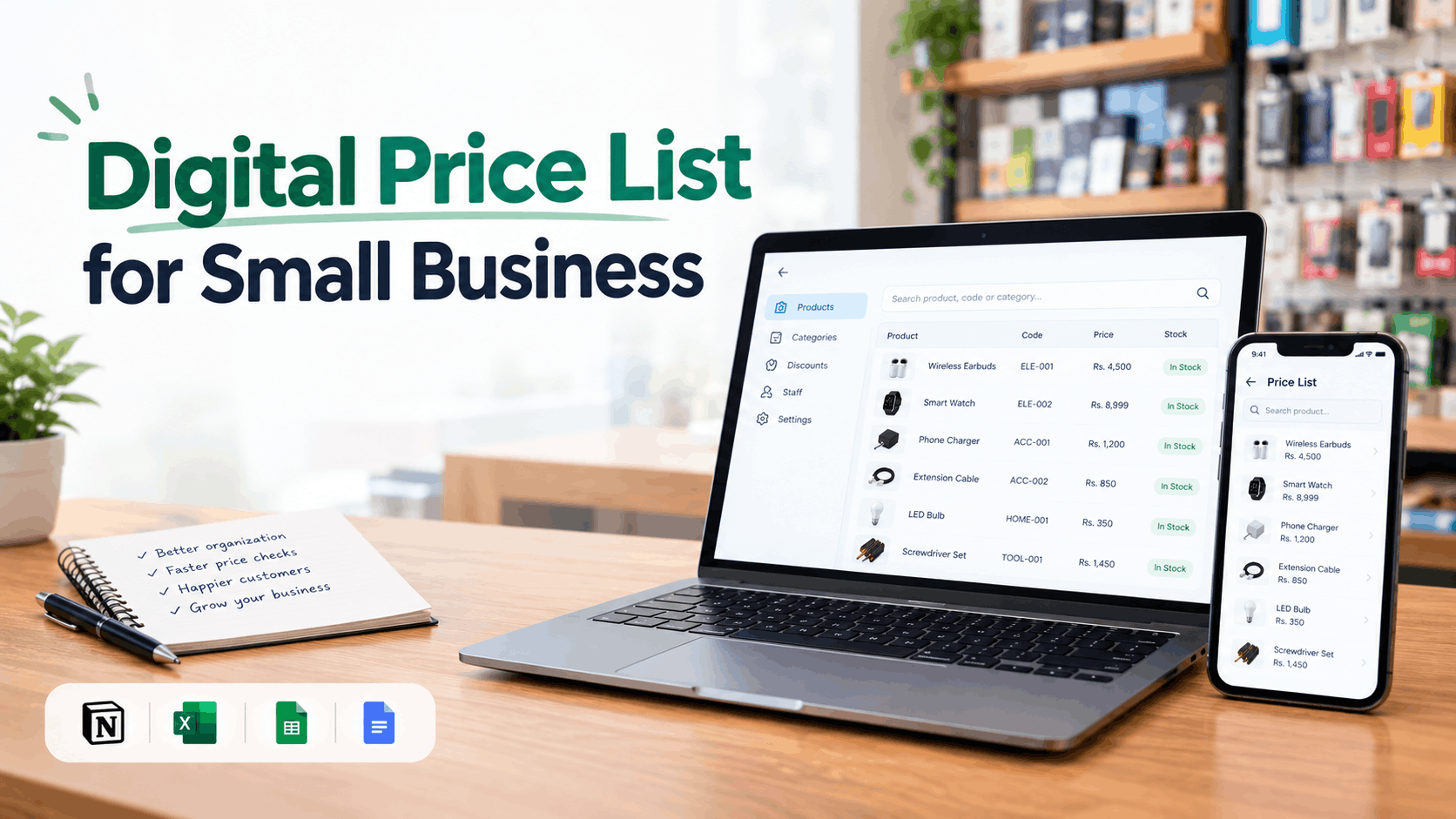
Are you tired of opening your notebook every time a customer asks for a product price?
Or maybe you're away from your shop and your staff keeps calling you:
"Bhai, is item ka kya rate hai?"
If this happens often, you can solve the problem by putting your price list online, or in other words, creating a digital price book.
And honestly, you don't need an expensive system to do it. You can create a digital price list for free using tools you may already know, or use dedicated software at a relatively low cost.
There are several ways to do this, and the right option depends on how many products you have, how many people need access, and how you want to manage your prices.
Here are 4 simple and effective ways to create a digital price list for your small business.
1. Use Notion
Notion is a popular tool for creating and organizing information. I have been using Notion since its early days. You can create a simple product database with your product names, prices, item codes, categories, and other details.
You can then share the page with your staff so they can view the price list.
The basic version of Notion is free, which makes it a good option if you have a small number of products.
For example, if your shop has 30 or 50 products, you can create a simple database like:
- Product A (Code: A001): Rs. 1,500
- Product B (Code: B002): Rs. 2,000
- Product C (Code: C003): Rs. 2,500
Your staff can open the shared page and search for a product when they need its price. If you like, you can also add them as collaborators.
The problem starts when your product list becomes large and you want to add multiple images of each product. Managing hundreds of products in Notion can become difficult, and it may not feel as fast or convenient as a dedicated price list system.
So, if you have a small product list and want a simple free solution, Notion can work very well.
2. Create an Excel Sheet
Excel is another simple and familiar solution. I have seen many small businesses and companies manage their accounting in Excel.
It's very easy to start. You can create columns for the product name, product code, category, price, discount, and any other information you need.
One advantage of Excel is that you can use formulas. For example, you can automatically calculate discounts, selling prices, or other values based on your data. (You can do the same thing in Notion as well, but it's not as straightforward.)
It can also be a good option if you only want to manage your price list on one computer and don't need your staff to access it from different locations.
However, the Excel interface feels more like a spreadsheet than a product catalog.
Still, for a small business that wants a simple and familiar solution, Excel is a practical choice.
3. Create a Google Sheet and Share It With Your Staff
Google Sheets works in a similar way to Excel, but it has one major advantage: it works online.
You can create your price list in Google Sheets and give your staff a view-only link.
This means you can update a price from your computer, and your staff can see the updated information without you having to send them a new file every time.
You can also control who can edit the sheet and who can only view it. For example, you can keep editing access for yourself and give your sales staff view-only access.
Google Sheets is free and easy to start with, so it can be a good choice for businesses with a relatively small or simple product catalog.
The main limitation is again the user experience. A spreadsheet is still a spreadsheet. When your catalog grows to hundreds of products, searching, organizing, and browsing products may become harder for your staff.
You also need to make sure the sharing settings are configured correctly so that only the right people can access your information.
4. Use Dedicated Price Book Software
If your business has a large number of products or multiple staff members who need to check prices regularly, you may want something more specialized.
This is where a dedicated digital price book software or web app can help.
Instead of creating your own spreadsheet or database, you use software designed specifically for managing and searching product prices.
For example, PriceBook is designed for businesses that want to keep their product prices in one place and give staff easy access to them.
You can search for a product using its name, item code, or part number. You can also add multiple images of a product and even search for it using an image.
This can be useful for businesses where products have similar names or where staff don't always know the exact product name, like hardware and electronics shops in Pakistan, where prices are not fixed.
Another advantage is that you can access the price list from anywhere, on any device, instead of keeping it on one computer.
You can also control access. The business owner or administrator can manage the products and prices, while staff can use the price book to look up information without being given permission to change it.
For businesses that deal with discounts, you can also keep discount limits with each product so staff know how much they are allowed to reduce the price.
PriceBook offers a 30-day free trial, so you can try it with your business before deciding whether it is worth paying for. If your business has a specific requirement, you can also discuss customization or request new features.
Which Option Should You Choose?
There isn't one solution that is best for every business.
- If you have a small number of products and want something simple, Notion can be enough.
- If you are already comfortable with spreadsheets and want to manage your price list locally, Excel is a practical choice.
- If you want a free online option that your staff can access from anywhere, Google Sheets can work well.
- But if you have a large product catalog, several staff members, and want a better experience for searching and managing prices, dedicated price book software may make more sense.
The important thing is to choose a system that your business can actually maintain.
There is no point creating a complicated system that nobody updates. Your digital price list is only useful when the prices are accurate and your staff can quickly find what they need.
Start With What Works for Your Business
Moving your price list online doesn't have to be complicated or expensive.
The goal is simple: keep your prices organized, make them easy for your staff to find, and make sure everyone is working with the same information.
So, look at the number of products you have, how many people need access, and how often your prices change. Then choose the solution that fits your business and budget.